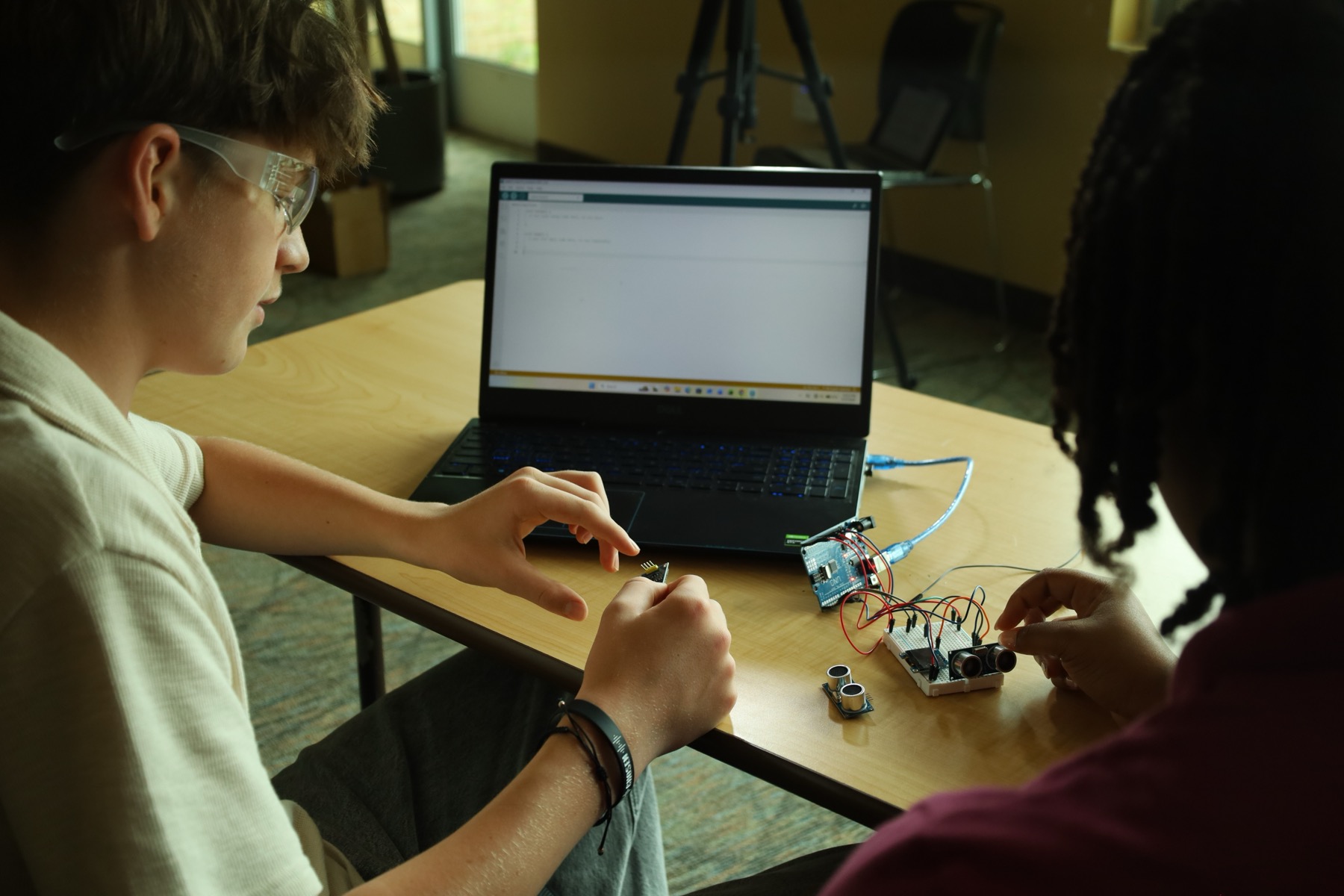
See the Platform
Everything your student needs sits in one place: the lessons, the labs, and the dashboard you check in on. Here is how it is organized, and how to try each piece before you enroll.
For you
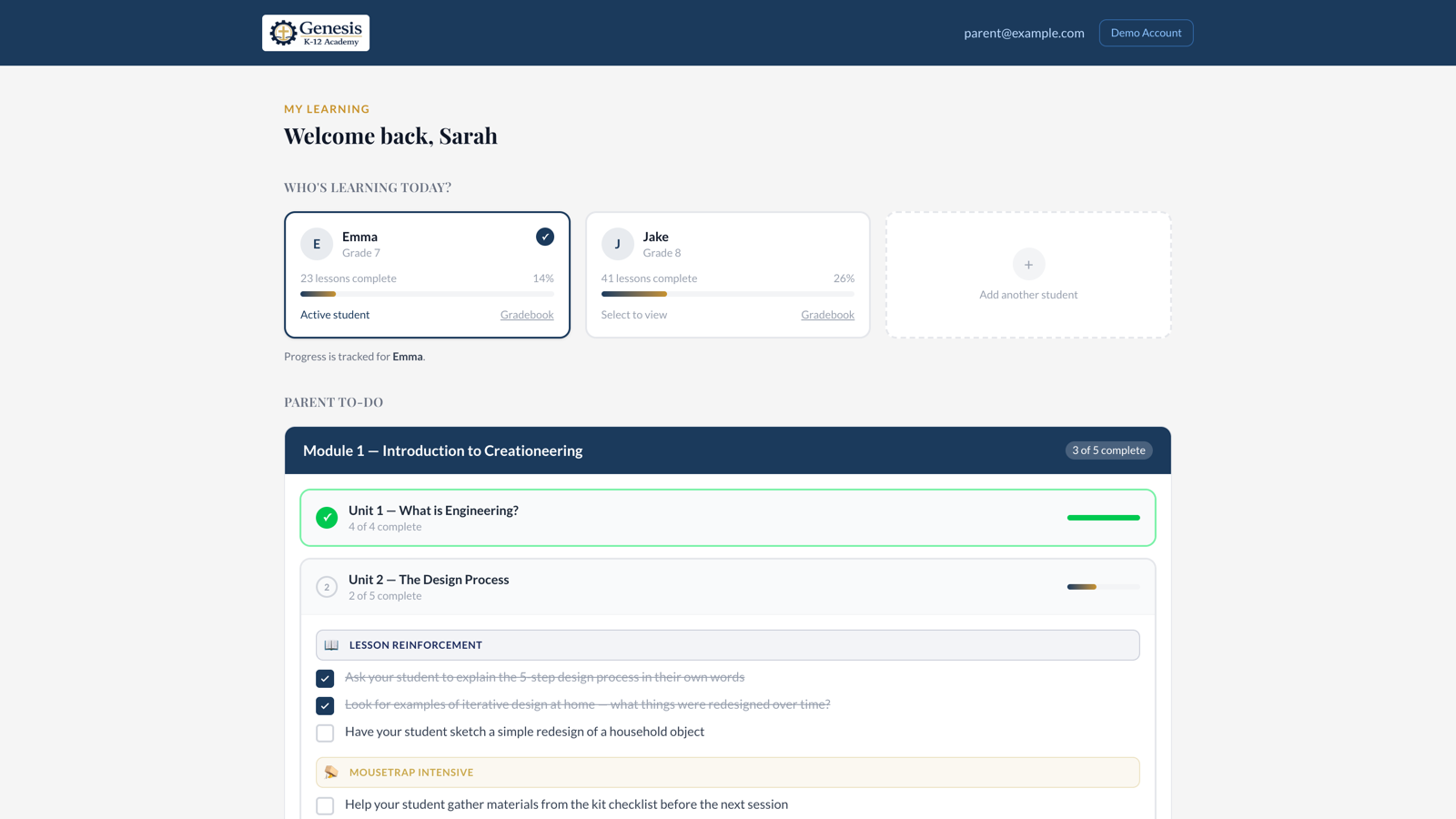
The Parent Dashboard
See where your student is without hovering over their shoulder. Each student's progress, the lessons they have finished, and the short list of things you need to do this week, all on one screen. A ten-minute check-in on Friday tells you everything you need to know.
For your student
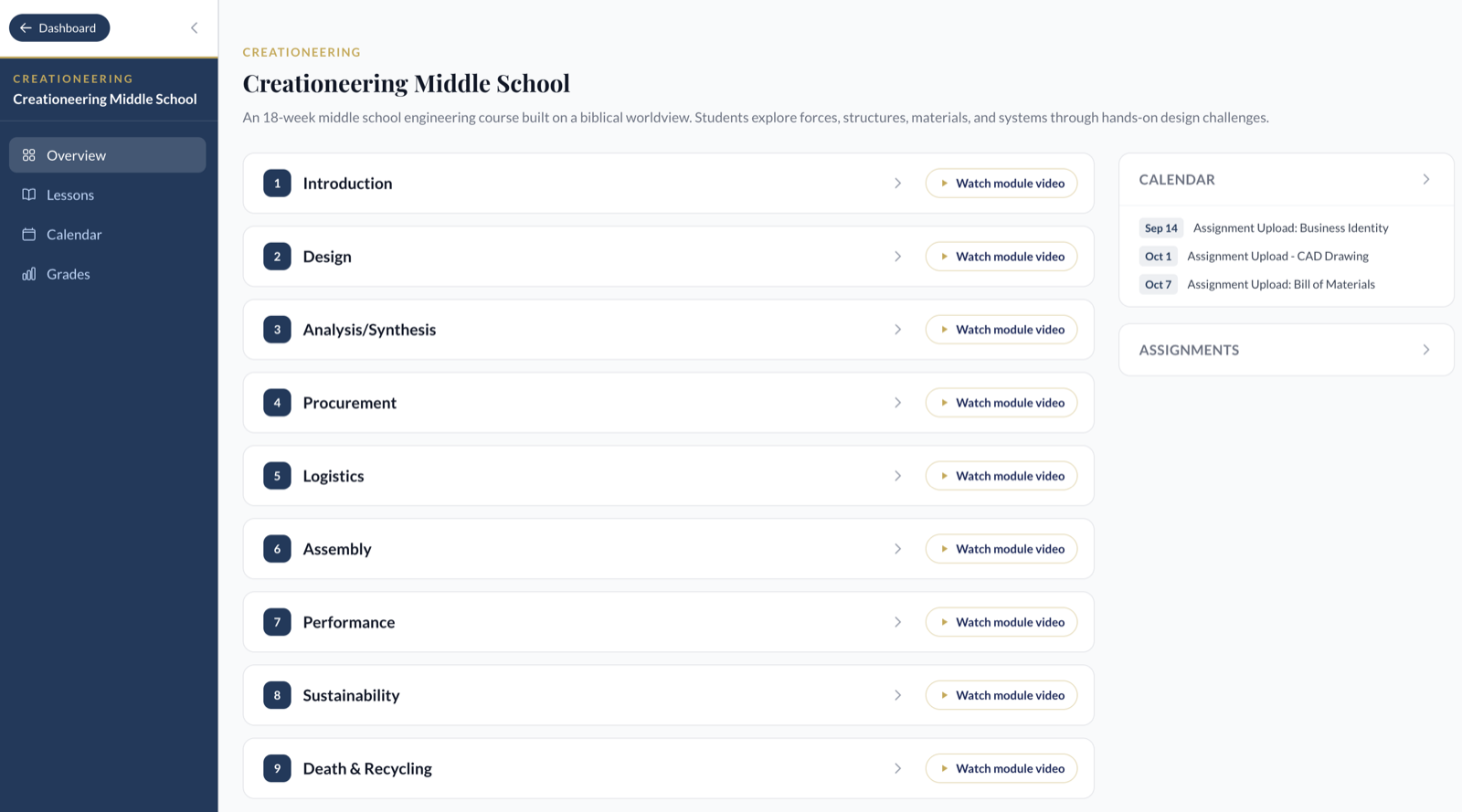
The Student Dashboard
Your student signs in and sees the whole course laid out: nine modules, every lesson, the calendar, and the assignments waiting on them. They always know what comes next, so you are not the one keeping the schedule.
Lessons and Labs
Every module mixes three kinds of work: the teaching, the engineering math, and the build. Try one of each.
Lessons
The teaching. Dr. Horstemeyer opens every module and every topic on video, then the lesson works the concept out step by step in short readings and diagrams, so your student sees how an engineer gets to the answer, not just what the answer is. Most run 20 to 30 minutes.
See a Lesson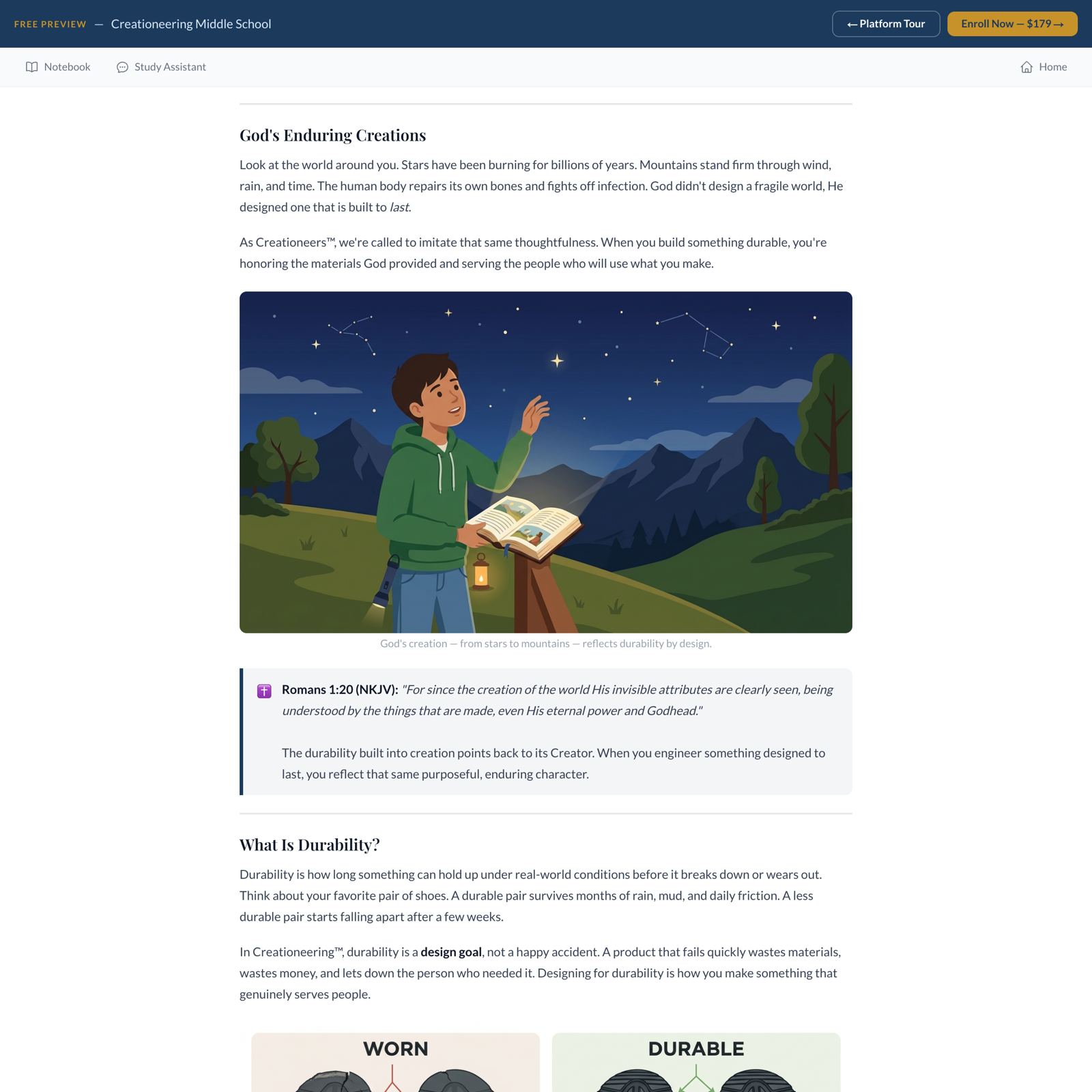
Lab Lessons
The math. Lab lessons go a level deeper than the teaching and cover the equations behind the build: circumference and travel, torque, friction, efficiency. The numbers get worked out on the car your student is building, not on a textbook problem.
See a Lab Lesson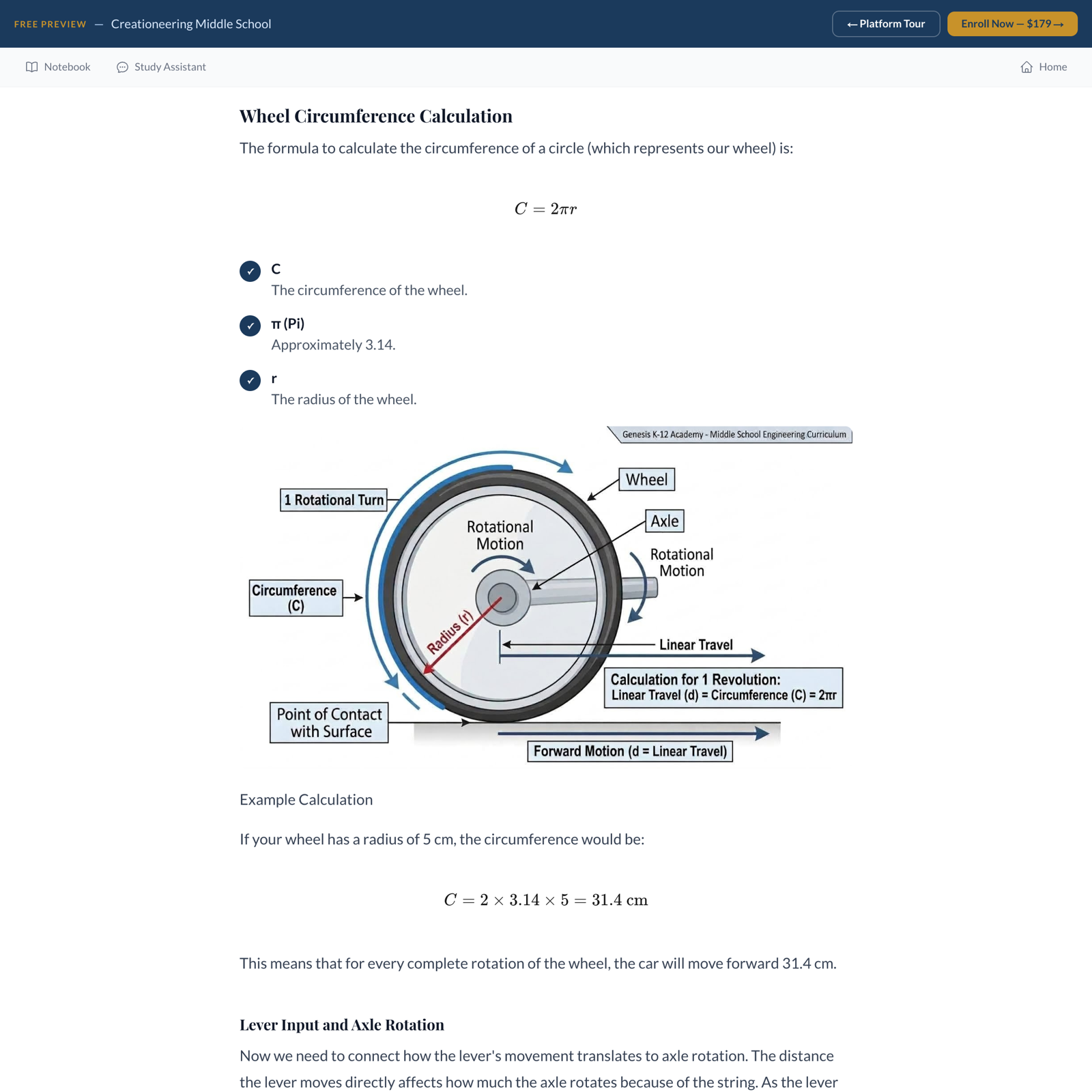
Hands-On Labs
The build. The kit comes out and the theory gets tested for real. Step-by-step build instructions live in the platform, and every result goes into the Engineer's Design Notebook that ships in the box.